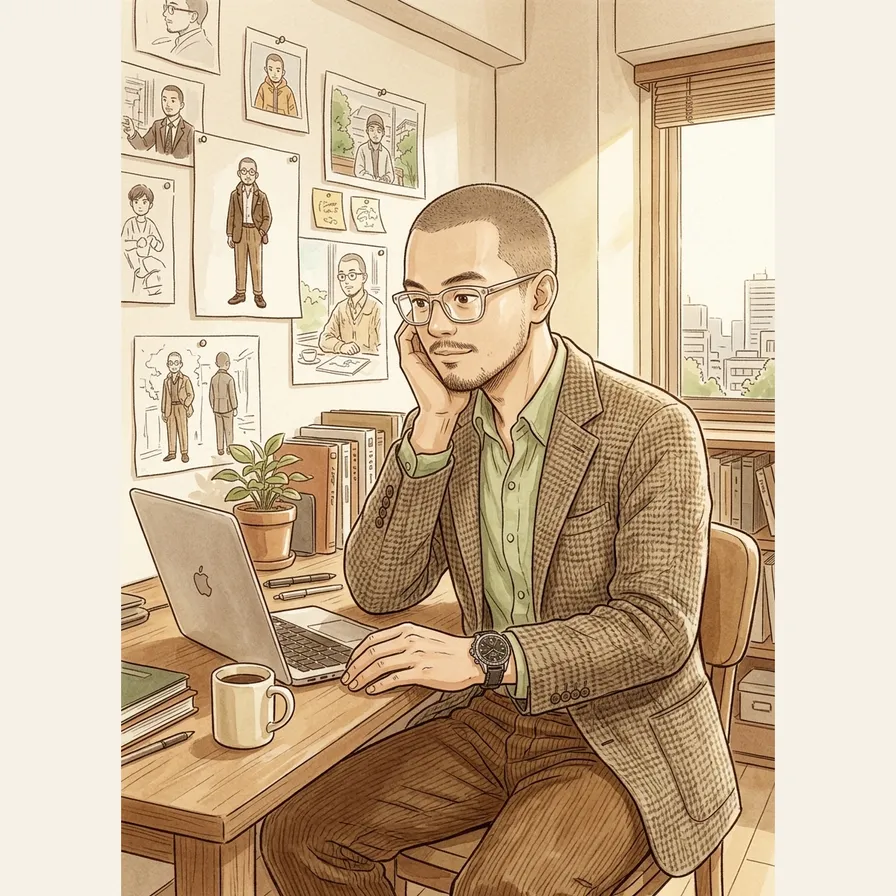
How to Get AI to Draw the Same Character Every Time
I was generating illustrations for blog posts and every time I asked Gemini for ‘the same guy,’ it gave me a slightly different guy. Different jaw, slightly different hair, the vibe just off enough that it looked like a cousin. After three rounds I almost bought a stock photo subscription instead.
The fix took me a weekend of tinkering with Claude. I don’t write Python. I vibe coded the whole thing by describing the problem in plain English and letting Claude do the actual code. It now runs in production for every blog post on this site.
Why AI Character Drift Is a Real Problem
If you use AI for anything visual that recurs (blog illustrations, training deck mascots, newsletter graphics, social carousels) this hits you too. The first image looks great and the fifth looks like a slightly different person and the tenth looks like a different brand entirely. Your readers notice even when they can’t name what’s off. A familiar face builds trust. A face that keeps shifting reads as careless even if the writing under it is excellent.
The core problem is that image models aren’t deterministic. The same prompt doesn’t produce the same person twice. You need to give the model a visual anchor, not just words.
What I Tried First (And Why I Almost Gave Up)
Before I went to Claude for help, I tried fixing this inside the Gemini prompt itself. None of it worked.
Describing the character more carefully in the prompt. I wrote longer and longer character descriptions. Broad jaw, late 30s, buzzcut, goatee, glasses. Each round produced a person who hit two of the five traits and missed the rest. The model treats long description prompts as flavor, not specification.
Reusing the exact same prompt word for word. This felt like it should work. It doesn’t. Image models add random noise during generation, and two identical prompts produce two different people. Sometimes very different.
Asking the model to ‘remember’ the character across sessions. Nope. Image models don’t have persistent memory the way Claude or ChatGPT do. Every generation starts from scratch.
I almost gave up here. The thing that changed it was realizing I was trying to fix this with prompts when the actual fix needed code.
How I Solved It: I Asked Claude to Build It
So I opened Claude and described the problem like I would to a coworker. Here’s roughly what I told it:
‘I’m using Gemini to generate illustrations for my blog and the same character is supposed to appear in every image. The problem is that Gemini keeps drawing a slightly different person every time. I’ve tried better prompts and reusing the exact same prompt. Neither works. I’m not a coder but I can run a Python script if you write one for me. What approach would actually solve this?’
Claude walked me through the concept first. Image models aren’t deterministic. The way to lock a character is to give the model a reference image as input alongside the prompt, not just a text description. Then it asked what tool I was using (Gemini’s Nano Banana Pro), what language I was comfortable running (Python), and where the output should go (a specific folder in my site’s repo).
Then it wrote the first version of the script.
The core idea was simple enough that I could follow it without writing Python. You pass two things to the Gemini API: a reference image and a text prompt. The reference goes BEFORE the prompt in the contents list. Here’s the chunk Claude wrote:
with open(FACE_REFERENCE, "rb") as f:
    image_bytes = f.read()
ref_image = types.Part.from_bytes(data=image_bytes, mime_type="image/png")

response = client.models.generate_content(
    model="gemini-3.1-flash-image-preview",
    contents=[ref_image, full_prompt],
    config=types.GenerateContentConfig(
        response_modalities=["IMAGE", "TEXT"],
    ),
)
I didn’t write that. Claude did. What I can tell you is what it does. The first three lines load a reference image from a file in my repo. The generate_content call sends that image and my text prompt to Gemini. The response comes back with a new image that should match the character in the reference.
The text prompt is the part I iterate on. Claude wrote the first version of that too. The most important block tells the model to study the reference and replicate the face:
FACE REFERENCE: Study the reference illustration carefully. The main
figure is the SAME person as in the reference. Replicate his EXACT
facial structure: broad jaw, wide face shape, specific nose shape,
and eye shape. He has a tightly shaved buzzcut head, a goatee, and
East Asian features. His skin tone must match the reference exactly.
The face must be RECOGNIZABLY the same person as the reference, not
a generic character.
Later in the same prompt there’s an explicit instruction NOT to copy the reference’s pose:
Do NOT reproduce the reference image's composition or pose. The
reference is for face and character likeness only. Create a NEW
scene matching the description above.
That separation is the trick that gets the same face across a new scene every post. Same person, new room, new activity, new outfit, every time.
The Vibe Coded Iterations That Made It Actually Work
The first version worked but produced weird results. So I’d generate an image, look at the output, see what was off, and tell Claude. That cycle is where most of the actual building happens.
Three iterations that mattered most:
Iteration 1: ‘My smart glasses keep coming out as sunglasses.’
I told Claude that the character’s smart glasses kept rendering with dark lenses. You couldn’t see his eyes. It looked like he was wearing aviators in a conference room. Claude suggested a CRITICAL override block and wrote one:
CRITICAL: the lenses are COMPLETELY CLEAR and TRANSPARENT, his eyes
are fully visible behind them. NOT tinted. NOT dark. NOT sunglasses.
That fixed it about 95% of the time. The aggressive caps and the explicit negation were both Claude’s idea. I would never have thought to write a prompt that basically yells at the model.
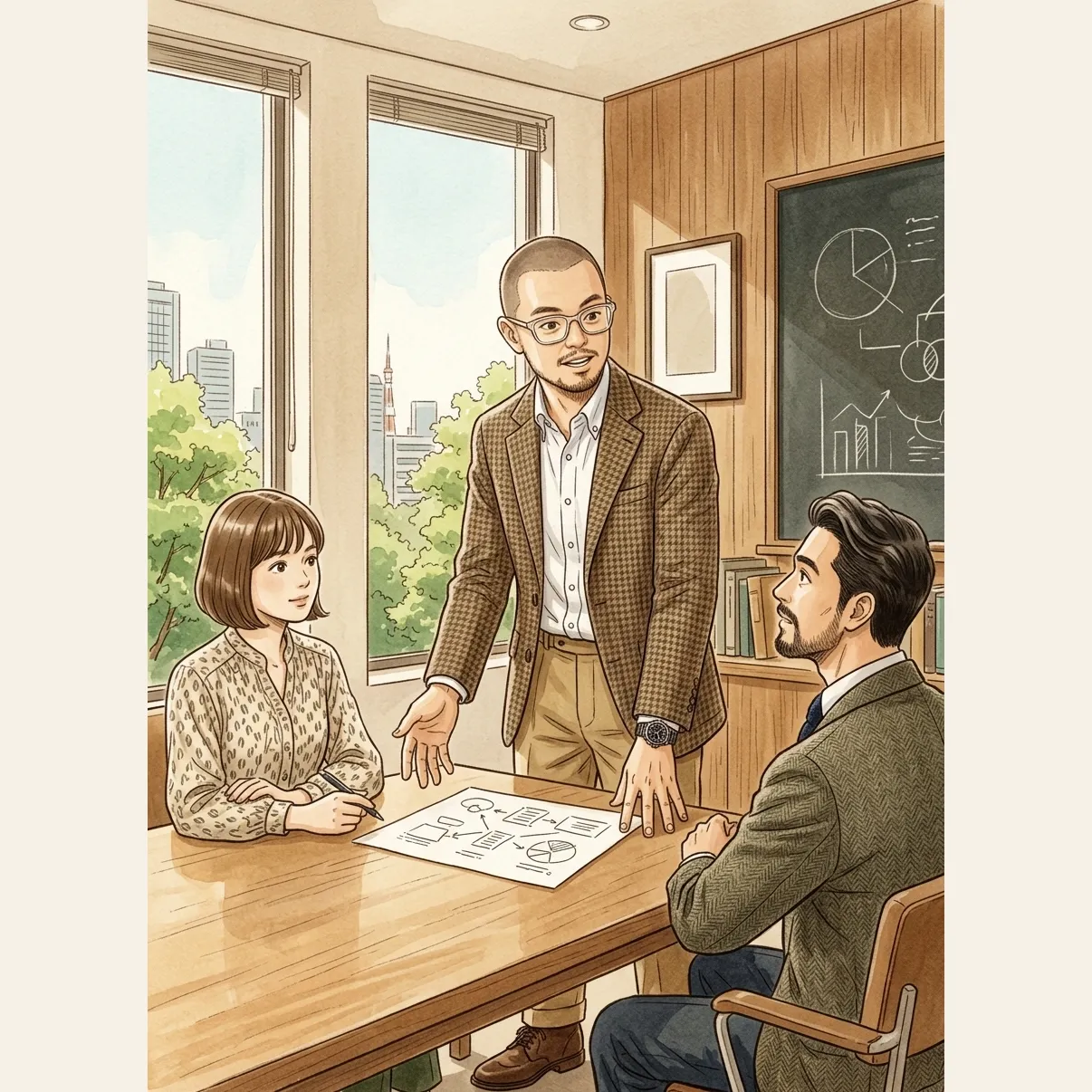
After Claude added the CRITICAL block to the prompt, the glasses render with clear lenses every time. No more sunglasses bug.
Iteration 2: ‘When the scene is a formal meeting, the cap looks weird.’
My outfits sometimes include a baseball cap. Fine for casual scenes, weird in a boardroom. I described the problem and asked if there was a way to detect formal scenes and strip the cap automatically. Claude wrote a keyword scanner that looks at the scene prompt and triggers an override:
FORMAL_SCENE_KEYWORDS = (
    "meeting", "conference room", "boardroom", "workshop",
    "presentation", "auditorium", "training room", "all-hands",
    "huddle", "around a table",
)
is_formal_scene = any(kw in prompt_lower for kw in FORMAL_SCENE_KEYWORDS)
If any of those words show up in my scene description, the cap gets removed from the outfit before the prompt is built. Crude but it works.
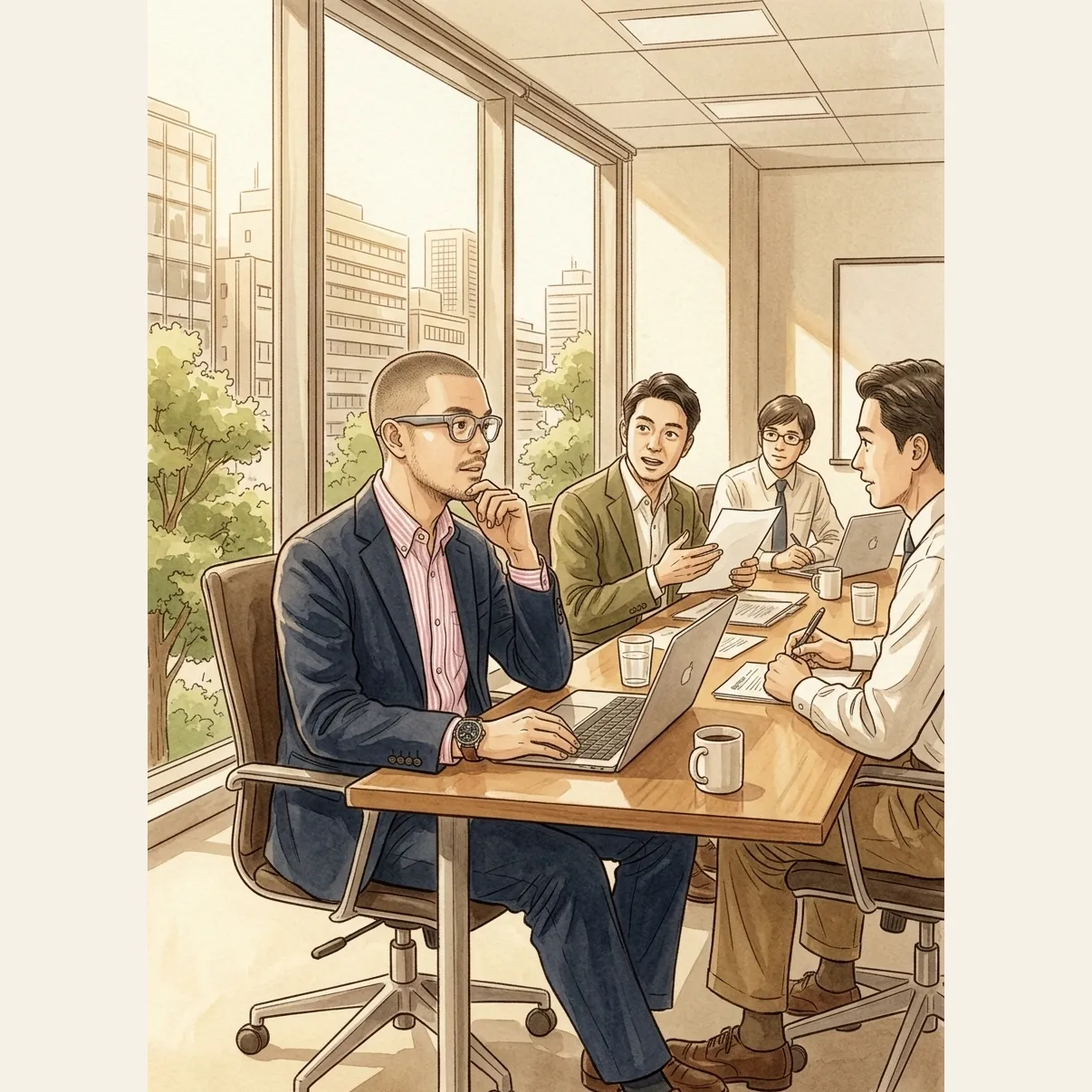
The scene above is a real test of the fix. The wardrobe randomly picked a Brooks Brothers cap for this generation, but the formal scene detector caught the word ‘boardroom’ in the prompt and stripped the cap before the image was rendered.
Iteration 3: ‘Can my character vary his outfit but stay the same person?’
Once the face was locked, I wanted the outfit to change per post so the illustrations didn’t feel like the same photo with new captions. I told Claude I had a list of clothes I actually own (linen shirts, OCBDs from Kamakura, blazers from Burberry, a couple of watches, a few baseball caps) and asked if there was a way to randomly pick a coordinated outfit per post.
Claude built a Python dictionary of the wardrobe and a function that composes a full outfit at random across eight different vibes (smart ivy, rugged casual, summer ivy, weekend casual, heritage prep, rainy day, summer casual, smart casual). A small slice of what it built:
"oxford_button_downs": [
    {"name": "OCBD", "brand": "Kamakura", "color": "White"},
    {"name": "OCBD", "brand": "Kamakura", "color": "University Stripe Blue"},
],
"blazers": [
    {"name": "Navy Blazer", "brand": "Burberry", "color": "Navy"},
],
"watches": [
    {"name": "Seamaster 300M Diver", "brand": "Omega"},
    {"name": "Speedmaster '57", "brand": "Omega"},
],
The picked outfit gets composed into a description string (‘He is wearing a White OCBD from Kamakura, navy chinos, Tricker’s Stow boots, Omega Seamaster on his wrist’) and dropped into the prompt as the CLOTHING block. Same character, different outfit, every post.
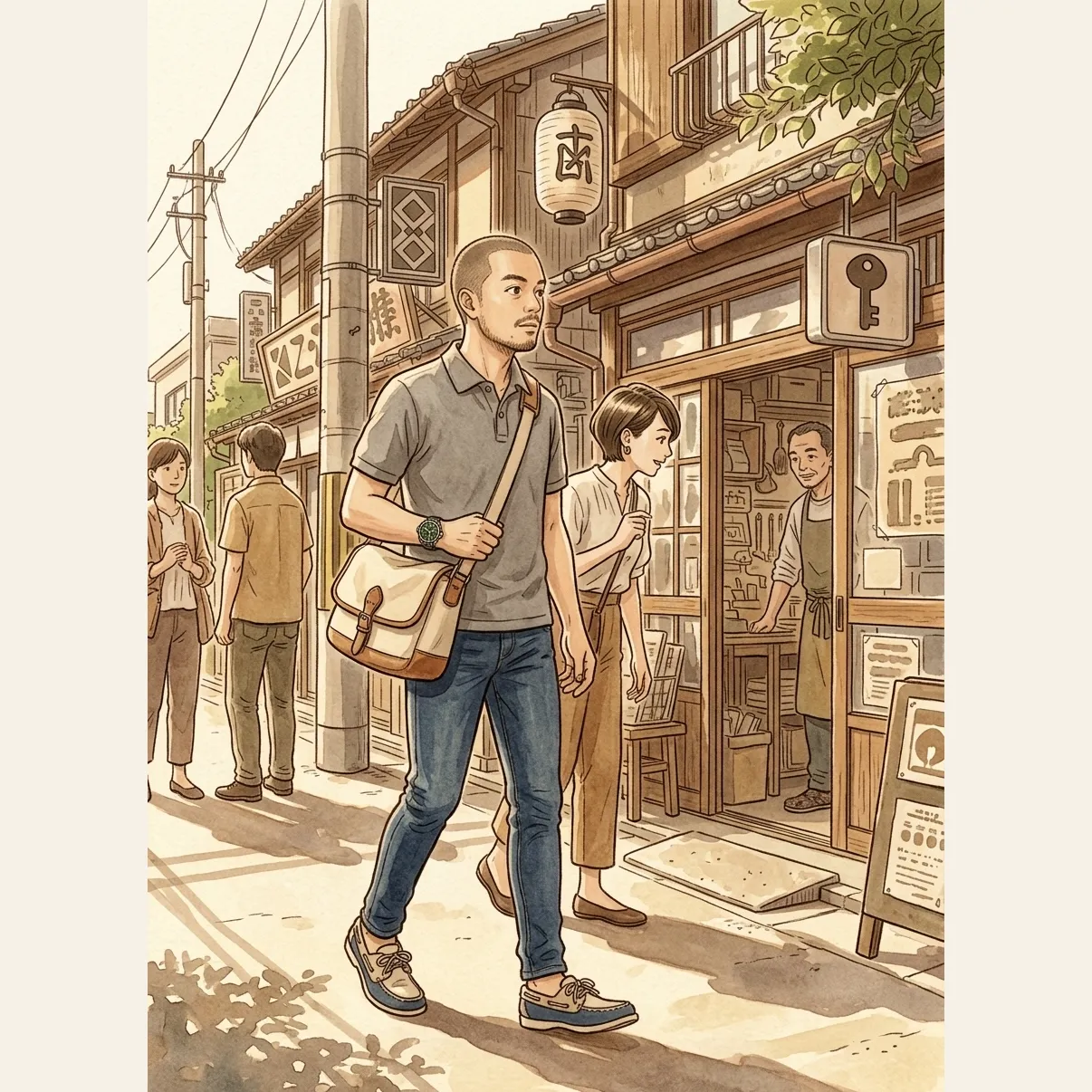
Same character as the boardroom and meeting room scenes above, but the wardrobe rolled a weekend casual vibe for this one. Gray polo, indigo denim, LL Bean boat shoes, Seiko Alpinist GMT.
The pattern across all three iterations is the same. I noticed something wrong. I described the symptom in plain English. Claude proposed a fix. I tested. When the fix didn’t work, I told Claude what was still off and we kept going. That loop is vibe coding. There’s no other secret to it.
Use This Same Pattern For Your Own Work
The locked face plus structured prompt plus wardrobe variation is a general pattern. You can swap the inputs and use it for:
A consistent illustrated mascot for your internal training materials. Lock your brand mascot’s face reference once. Vary the scene per module (a learner taking a test, a learner getting feedback, a learner finishing a course). Same friendly character across the whole curriculum.
A recurring character across a LinkedIn carousel series. Same locked face, different scenes per slide, same illustration style throughout. You get a series feel without paying an illustrator per carousel.
A signature character for your monthly newsletter. Lock the face once and generate seasonal variations forever. A January version in a winter coat, a July version in linen, all the same person.
A team of branded characters for case studies or sales decks. Each client or persona gets its own locked reference. All of them rendered in a consistent house style. No more ‘this slide looks like a different brand made it.’
The pattern is the part that travels. The face you lock, the wardrobe you vary, and the scene you describe are yours.
What I’d Build Differently Next Time
The reference image probably needs a refresh every six months or so as the underlying model updates. What renders well today may drift as the model changes. I don’t have a great solution for this yet beyond ‘regenerate the reference periodically.’
Wardrobe variations sometimes leak into the face. Put a formal blazer on him and he looks slightly older. Put a casual cap on him and he looks slightly younger. The prompt is doing most of the work to keep the face stable, but the model is still pulling some signal from the clothing.
I can’t yet render two locked characters in the same scene. The reference image system works for one face. The moment I need a second character who should also look the same in every illustration (a specific colleague, a recurring co-host, a client cameo), the architecture breaks. That’s the next thing I want to crack with Claude.
The most obvious problem is that the whole pipeline is held together with Python scripts and a GitHub Action that Claude and I built together. It works but it isn’t pretty. A real engineer would architect this differently. But it ships and it hasn’t broken in a month, which is what I actually needed.
Sources:
- Gemini API: Image generation with reference images, the official docs for passing reference images alongside text prompts.
- How I Built a Council of AI Advisors, the same ‘structured prompt with persistent context’ idea applied to text generation instead of images.
- How to Use Claude to Build a Personal Knowledge System, where the broader thinking behind locked context started for me. The face reference is the visual version of a personal context document.
Part of the Build with AI series on leadhuman.ai.
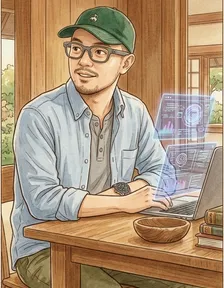
Jay Vergara is an L&D strategist and cross-cultural communication specialist based in Tokyo. He is a partner at Peak Potential Consulting and writes about leadership, learning, and building with AI at leadhuman.ai and on LinkedIn.
You might also like
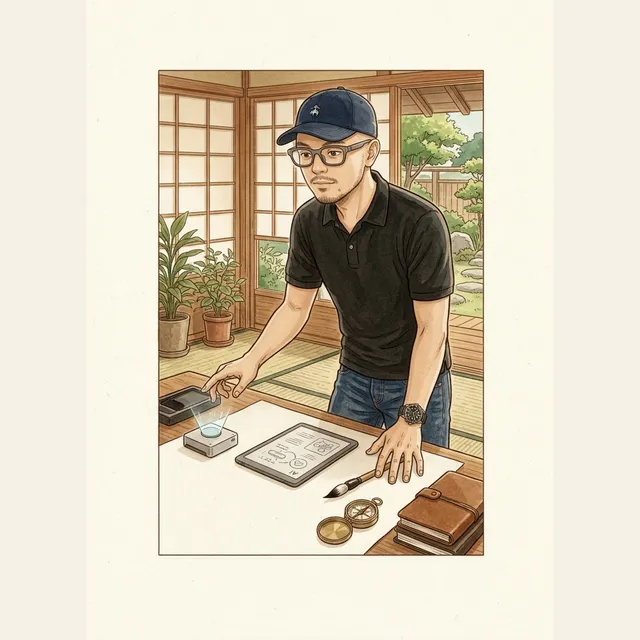
The MCP Servers I Use With Claude (and Why)
I've connected eight MCP servers to Claude so it can actually do real work in my Notion, Drive, Gmail, and more. Here's what each one does.
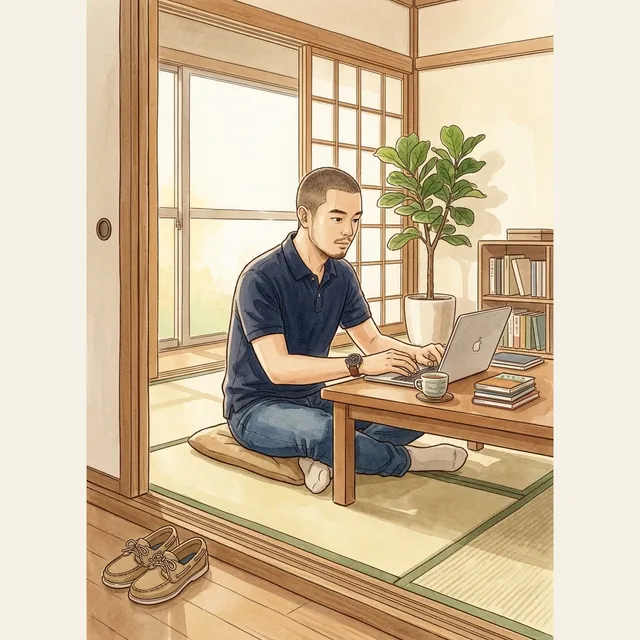
How I Vibe Coded a Real Personal Website (Without Being an Engineer)
I was paying too much for Notion and Squarespace and wanted a real site I owned. Here's the conversation with Claude that figured out the stack.
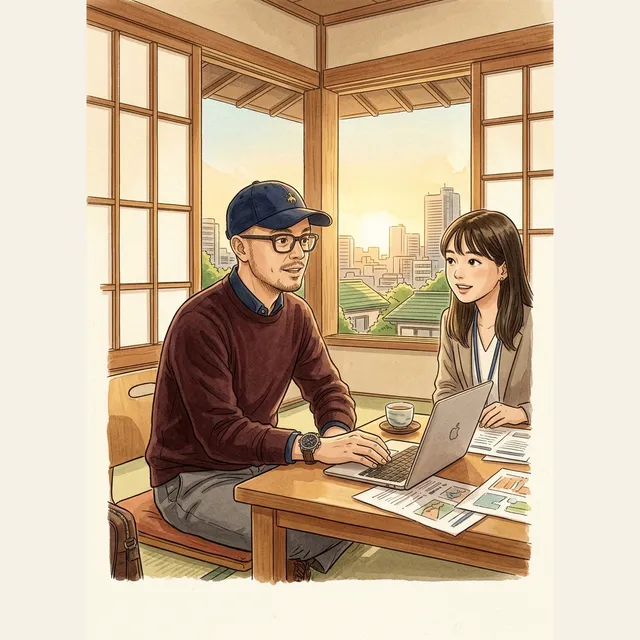
Build a 1:1 Prep Prompt with Claude
A Claude prompt that turns a 90 second brain dump into a focused 1:1 agenda. Three questions, one action item, one human opener.